
Store Manager
EMBED CODE
GAME URL
Store Manager Game Introduction
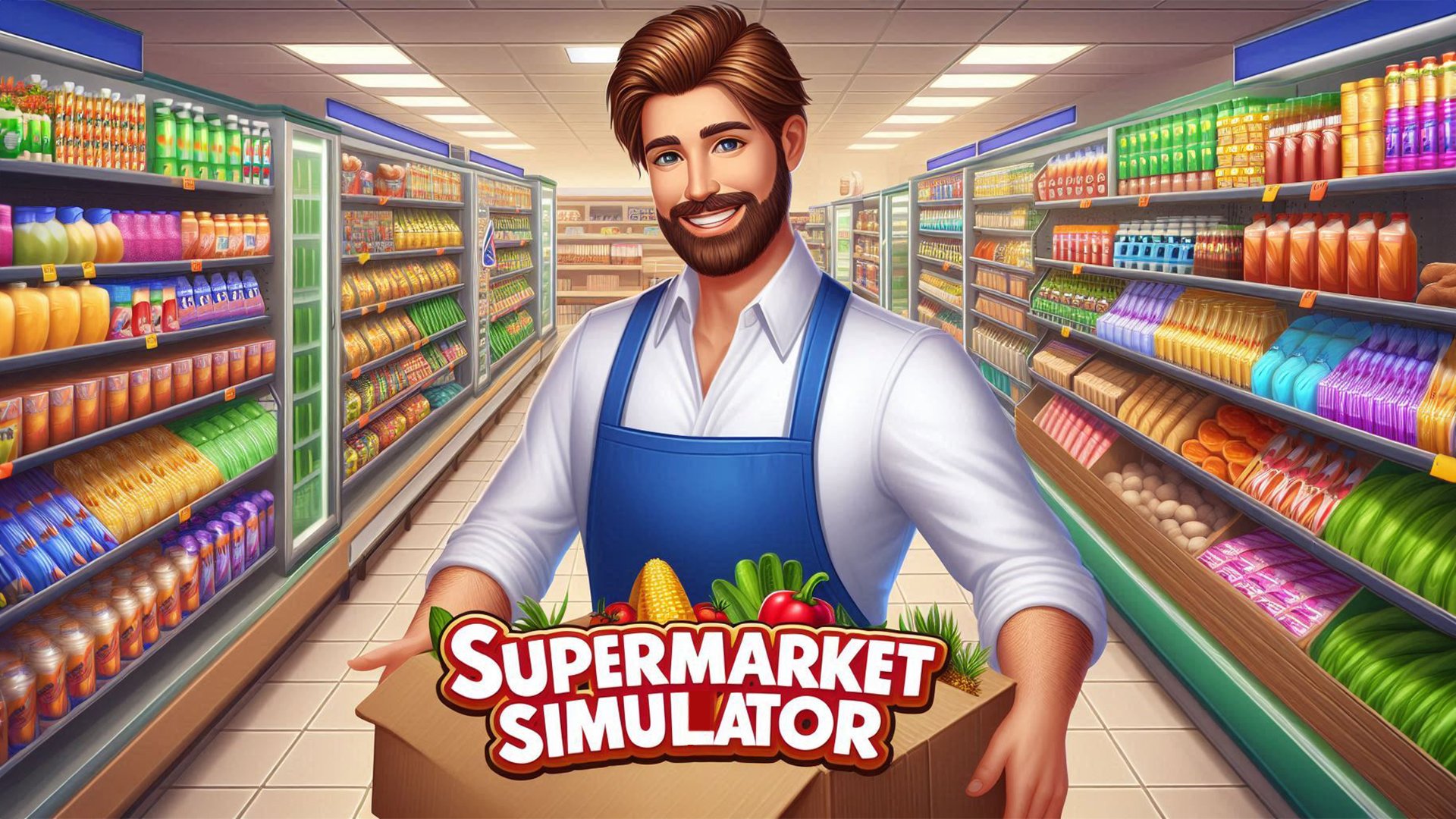
Dive into the world of retail success with "Store Manager"—a free-to-experience casual simulation game where you build and rule your very own business empire! As the store owner, you’ll oversee every detail: stocking shelves, serving customers, hiring staff, and expanding your store to dominate the city. No prior experience needed—just start managing, and watch your profits soar as your reputation grows. Best of all, it’s completely free to play online, so you can begin your retail journey without any cost or downloads!
Store Manager How to Play
Getting started with "Store Manager" is easy and costs nothing—perfect for casual gamers! Here’s how to master the basics:
Controls:
- Move your character using WASD or arrow keys to navigate the store.
- Interact with customers, shelves, or cash registers by clicking the left mouse button.
- Manage inventory by dragging items from your stock to shelves (or removing empty products) with a simple drag-and-drop.
- Open the main menu (inventory, employee management, etc.) with the 'E' key.
- Speed up time during busy shifts with the 'C' key to keep up with customer demand faster.
Gameplay Basics:
Your main goal is to keep customers happy and operations smooth. Key daily tasks include:
- Stocking: Never leave shelves empty—customers won’t buy from bare spots, so prioritize restocking high-demand items first.
- Serving: Process purchases quickly at the register to boost customer satisfaction and profit.
- Hiring: As your store grows, hire employees to split tasks (stocking, serving) and reduce stress.
- Upgrading: Use profits to expand your store, add new product lines, or upgrade equipment (e.g., faster registers).
- Finances: Track income and expenses to ensure your business stays profitable—smart choices mean long-term success!
Store Manager Core Features
Dive into these standout elements that make "Store Manager" a must-play free simulation game:
- Dynamic Economy: Prices and customer demand shift constantly, so you’ll need to adapt strategies (e.g., lower prices during slow hours to attract more buyers).
- Employee Management: Recruit, train, and assign staff to tasks—their performance directly impacts your store’s efficiency and reputation.
- Store Customization: Design your store layout, choose decor, and expand spaces to reflect your unique style (no two stores are the same!).
- Variety of Products: Sell everything from groceries to electronics, keeping customers engaged with diverse inventory.
- Progression System: Unlock new features (e.g., larger storage, premium products) as you level up, turning your small shop into a retail giant.
Store Manager Tips and Tricks
Elevate your store management skills with these pro tips:
- Prioritize High-Demand Items: Use the 'E' menu to check customer preferences and stock fast-selling products first—this maximizes sales and customer loyalty.
- Hire Wisely: Start with 1-2 employees, then scale up as profits grow. Avoid overspending on wages early; focus on training top performers first.
- Upgrade Strategically: Invest profits in the most impactful upgrades (e.g., a new cash register or refrigeration for food items) before expanding—efficiency boosts profit faster than size alone.
Store Manager Why Play On Our Site?
Play "Store Manager" for free online on our site and enjoy the ultimate retail simulation experience! We offer the official, ad-free free version with no downloads required—just click and start managing your empire immediately. Our platform ensures smooth gameplay, secure data, and a hassle-free experience, making it the best place to build your retail legacy without any hidden costs.
Store Manager Frequently Asked Questions (FAQ)
- Is Store Manager really free to play on your site? Yes! "Store Manager" is completely free to experience online—no subscription fees, no hidden costs, and no need to download anything. Play as much as you want, whenever you want.
- How do I earn money in Store Manager? Sell products to customers! The more you sell (and the faster you serve), the more profit you’ll earn. Upgrade your store and hire staff to boost sales volume.
- Can I hire multiple employees as the store manager? Absolutely! As your store expands, hire more employees to handle tasks like stocking, serving, and customer support. Just manage their wages and training to keep them productive.
- What happens if my shelves are empty in Store Manager? Empty shelves lead to lost sales and unhappy customers—they’ll leave without buying, hurting your profit and reputation. Always keep stock levels high!
- How do I unlock new items in Store Manager? Progress through the game by serving customers, earning profits, and completing small goals. As you level up, new products, equipment, and store expansions will unlock automatically.
- Is there an end goal in Store Manager? The ultimate goal is to become the city’s top retail magnate! Keep expanding, upgrading, and growing your store until it’s the most successful in the area. The game is endless—you can always aim higher!













Game Categories
Explore different types of games